California New 12-Digit Business Entity ID: What It Means for FTB Filings 2026
If your California business was formed in 2025 or later, or if you are a tax professional with recently registered California business clients, there is a critical change you need to understand. The California Secretary of State has rolled out a new California business entity ID number system — a 12-digit alphanumeric format replacing the older numeric-only ID. While this new ID contains letters and numbers, the FTB’s payment and filing systems only accept the numeric portion. At SW Accounting & Consulting Corp in Los Angeles, we have been fielding questions about this transition since early 2026. This is a comprehensive guide to everything you need to know.
What Is the New California Business Entity ID Number System? 🏢
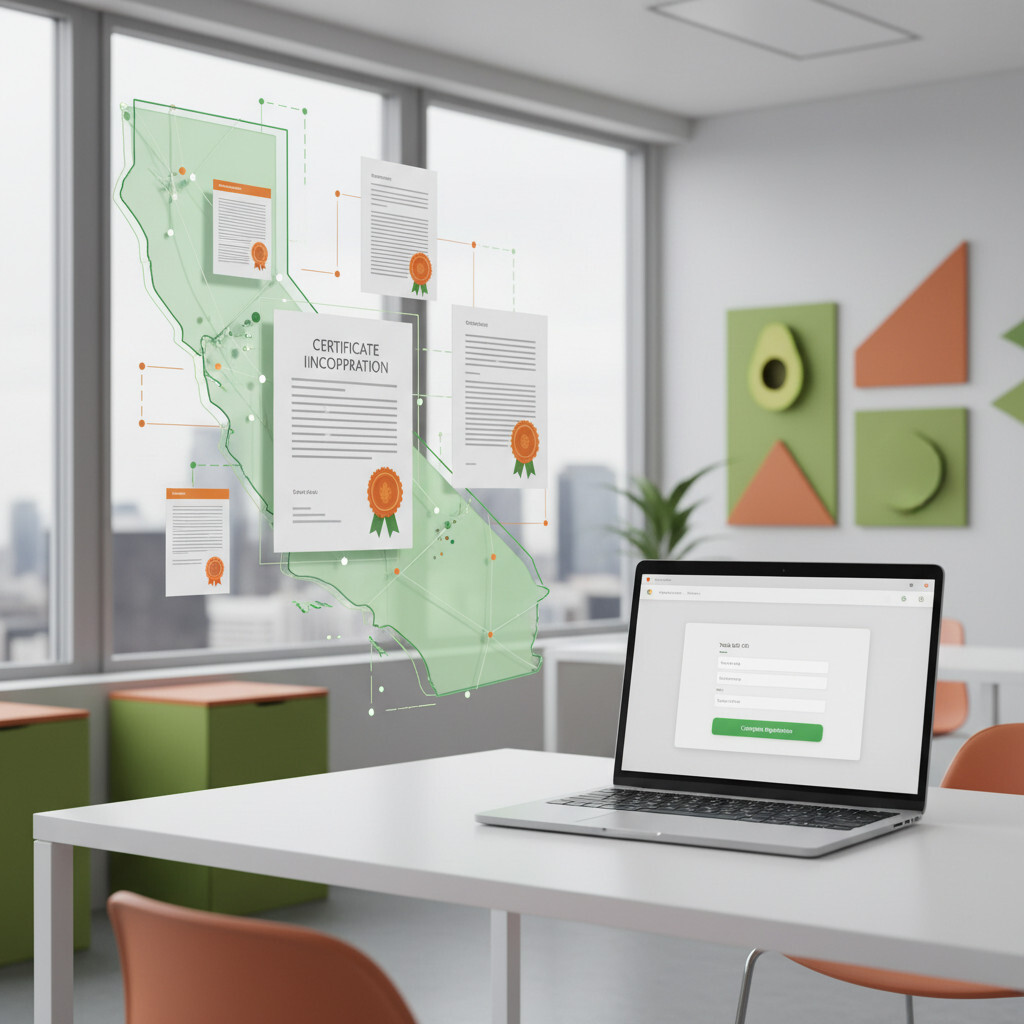
Since 2025, the California Secretary of State has been issuing a 12-digit alphanumeric entity identification number to all newly formed business entities — replacing the previous all-numeric format.
Historically, California Secretary of State entity IDs were entirely numeric — a simple sequence of digits. Beginning in 2025, the SOS began issuing a 12-digit alphanumeric format (combining letters and numbers) to newly formed:
- Corporations (including professional corporations and benefit corporations)
- Limited Liability Companies (LLCs)
- Limited Partnerships (LPs)
Importantly, existing businesses registered before 2025 retain their original numeric-only entity IDs. The new alphanumeric format applies only to entities formed starting in 2025. This means if your business was formed in prior years, no action is required regarding your entity ID number — it remains unchanged.
We have seen several newly formed California LLCs run into issues when trying to make estimated tax payments because their tax software automatically picked up the full alphanumeric ID from the SOS filing. When that full ID (including letters) was entered into FTB systems, it triggered errors. The fix is simple: strip out the letters and dashes and enter only the numeric digits. But knowing this requires awareness — which is exactly why the FTB issued explicit guidance in March 2026.
How Does the New Entity ID Affect FTB Web Pay Payments? 💳
When submitting payments through the FTB Web Pay application, enter only the numeric digits of your entity ID — no dashes, spaces, or alpha characters. Entering anything else will trigger an error message.
FTB Web Pay is the California Franchise Tax Board’s free online bank account payment system for businesses. Common uses include:
- Annual minimum franchise tax ($800 for most entities)
- Estimated tax payments (4 times per year)
- Balance due on current year or amended returns
- Extension payments
- Bill payments and proposed assessments
If you have a newly registered entity (formed in 2025 or later) and your SOS entity ID contains letters, follow these steps:
- Locate your SOS-issued entity ID from your Articles of Incorporation, Articles of Organization, or Certificate of Limited Partnership
- Identify and extract only the numeric digits from the 12-character alphanumeric ID
- Enter only those numeric digits into the entity ID field in FTB Web Pay
- Do not include dashes, spaces, letters, or any other non-numeric characters
The FTB is aware that some recently registered business entities may not yet be able to use the Web Pay application at all — even after entering only numeric digits. If your entity cannot use Web Pay, use an alternative FTB payment method immediately. Do not delay your tax payment waiting for Web Pay to work — late payment penalties will still apply.
How Does This Affect Tax Software and Electronic Filing? 💻
When using tax preparation software to file returns electronically or on paper, follow the software’s specific instructions and enter only the numeric digits of your entity ID.
Most major tax software platforms (ProConnect, Lacerte, Drake, UltraTax, and others) have specific fields for the California entity ID. If your software auto-populates this field from prior year data or from SOS lookups, double-check that only the numeric portion appears in the entity ID field. An incorrectly formatted ID can cause:
- Electronic filing rejections
- Mismatches with FTB records that delay processing
- Payment application errors where payments are not credited correctly
- Late payment or late filing penalties if submissions fail
What Changed for MyFTB Registration and FEIN Usage? 🔑
Beginning in 2025, the FTB updated MyFTB — you no longer need to specify which type of ID you are using, and Federal Employer Identification Numbers (FEINs) can no longer be used to register business entities in MyFTB.
The MyFTB account portal allows business entities and their representatives to view balances, access notices, and manage Tax Information Authorization (TIA) relationships. The key changes:
| Situation | Which ID to Use for FTB |
|---|---|
| Business registered with CA SOS after 2025 (new alphanumeric ID) | Numeric digits only from the 12-digit SOS ID |
| Business registered with CA SOS before 2025 (existing numeric ID) | Your existing numeric SOS entity ID (unchanged) |
| Entity that converted business type before 2022 | Most recent SOS-issued number after the conversion |
| Business not registered with Secretary of State | FTB-issued ID number |
| Partnership whose SOS number does not work in Web Pay | FTB-issued ID number |
| Federal EIN (FEIN) | Cannot be used for MyFTB registration, adding businesses, or TIA requests |
A key takeaway: your Federal EIN cannot be used to register for MyFTB or make payments through Web Pay. Many new business owners make this mistake when setting up California tax accounts. You must use either the SOS-assigned entity ID (numeric digits only) or the FTB-issued ID, depending on your situation.
Practical Checklist: What Newly Formed California Businesses Must Do ✅
- Locate your SOS entity ID from your formation documents (Articles of Incorporation, Articles of Organization, or Certificate of Limited Partnership)
- Note the full 12-digit alphanumeric ID — then record the numeric digits only
- When registering for MyFTB, use only the numeric digits of your SOS ID
- When making payments via Web Pay, enter only the numeric digits — no letters, dashes, or spaces
- Update your tax software entity ID field to contain only the numeric digits
- If Web Pay does not work, use an alternative FTB payment method immediately to avoid late penalties
- Never use your Federal EIN to register for California FTB accounts
For any California business formed in 2025 or later, we now include an explicit entity ID verification step in our onboarding process — confirming the numeric-only digits to use with the FTB versus the full alphanumeric SOS ID. If you are forming a new California entity in 2026, make sure your CPA or formation agent clearly explains which version of your entity ID to use in different contexts. A few seconds of verification upfront can save hours of troubleshooting later.
Frequently Asked Questions ❓
If you are forming a California business and want help lining up your Secretary of State entity ID, FTB registration, and the related paperwork, our new business consulting services handle the state and federal formation paperwork, including the EIN application.